ChromaCal: Four Versions of the Same App
My wife wanted a calendar app where she could see her schedule as colors instead of text. Glance at the month and immediately know if you're balanced or buried.
I built it for her. It took four attempts. Here's the app, and what each attempt taught me about building with AI.
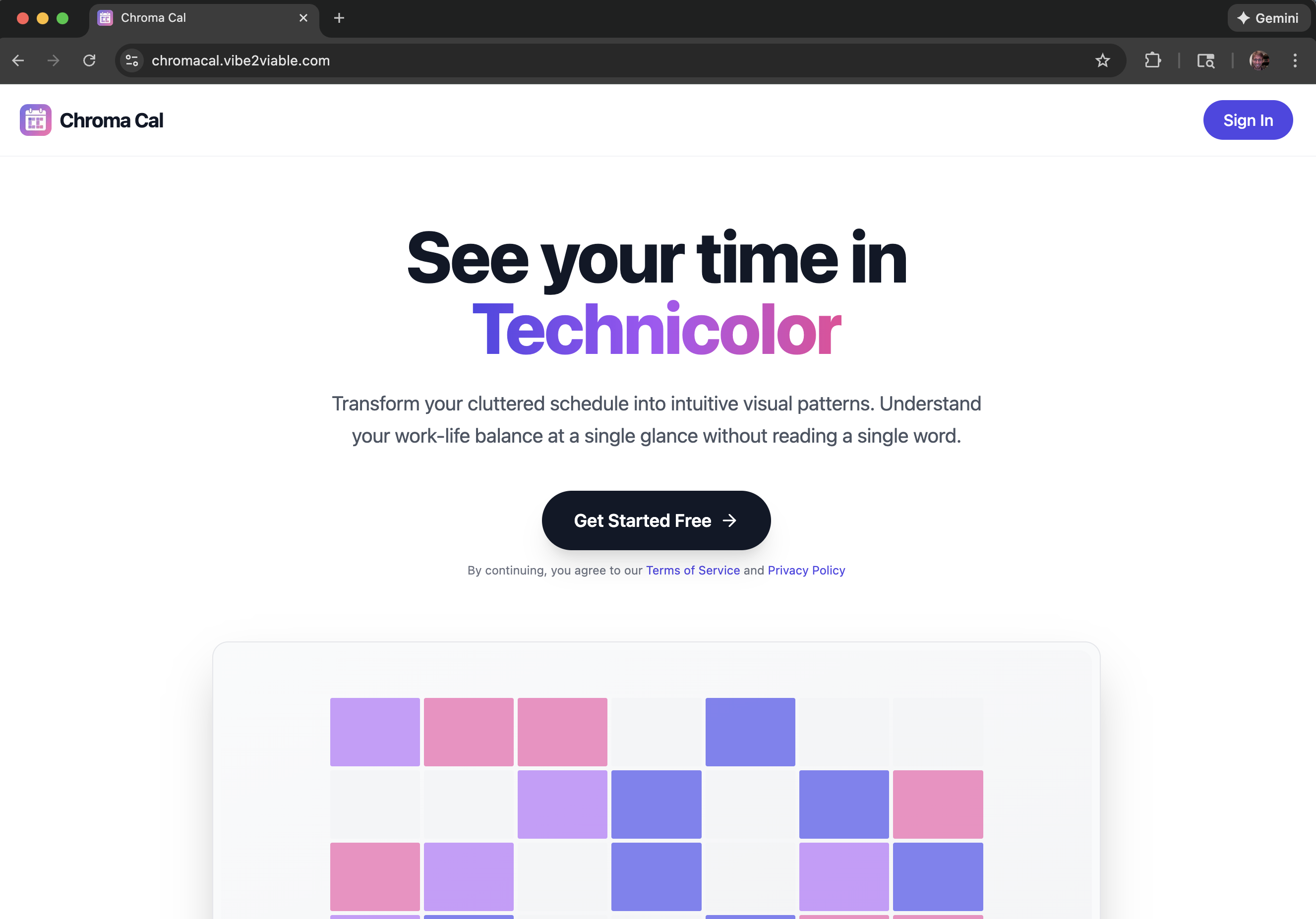
The App
ChromaCal works like this: you assign colors to event types, organize them into groups, and log events on days. The month view fills each day with the colors of what happened there. Multiple events create diagonal stripes. Glance at your month and patterns emerge that words would hide.
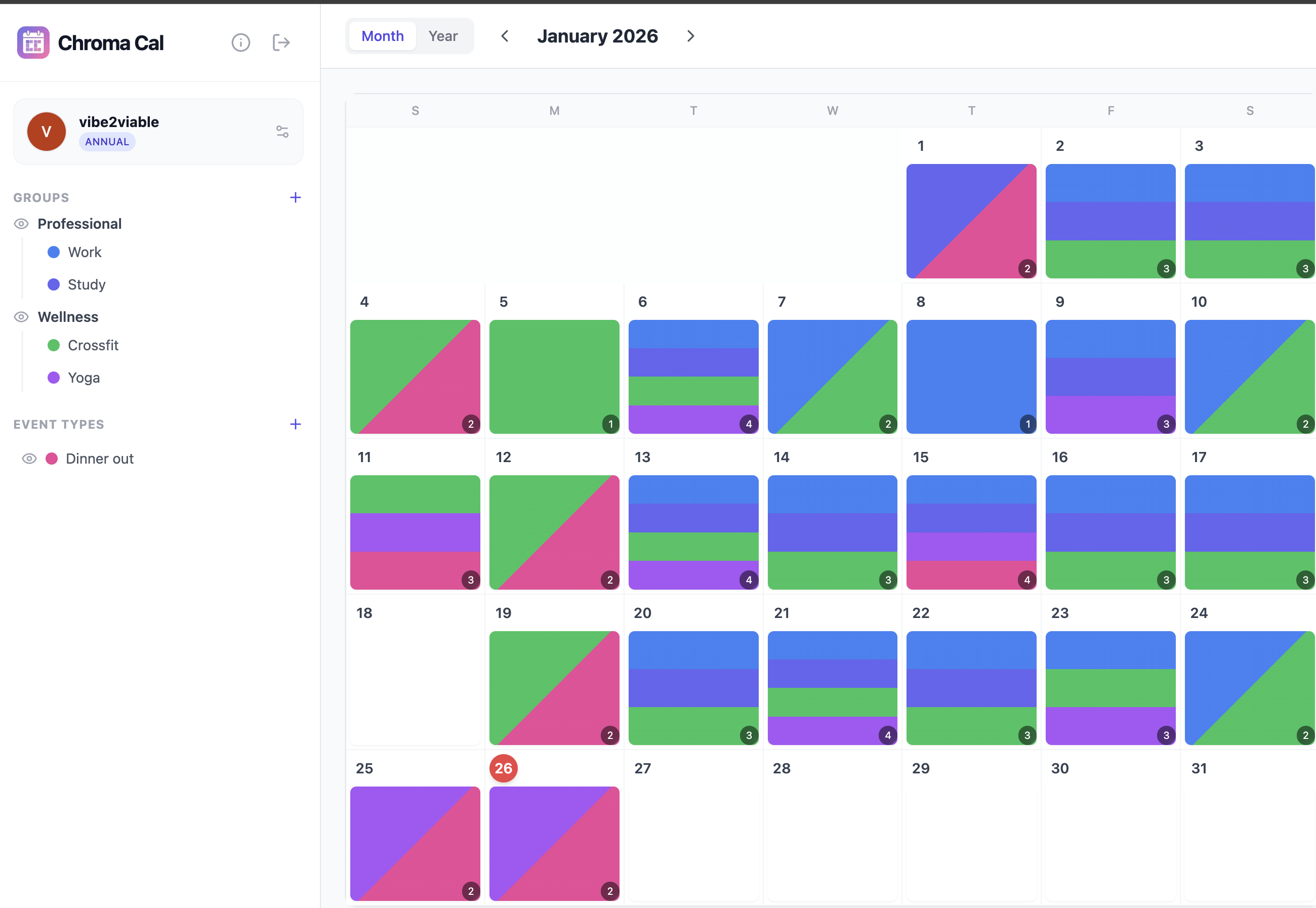
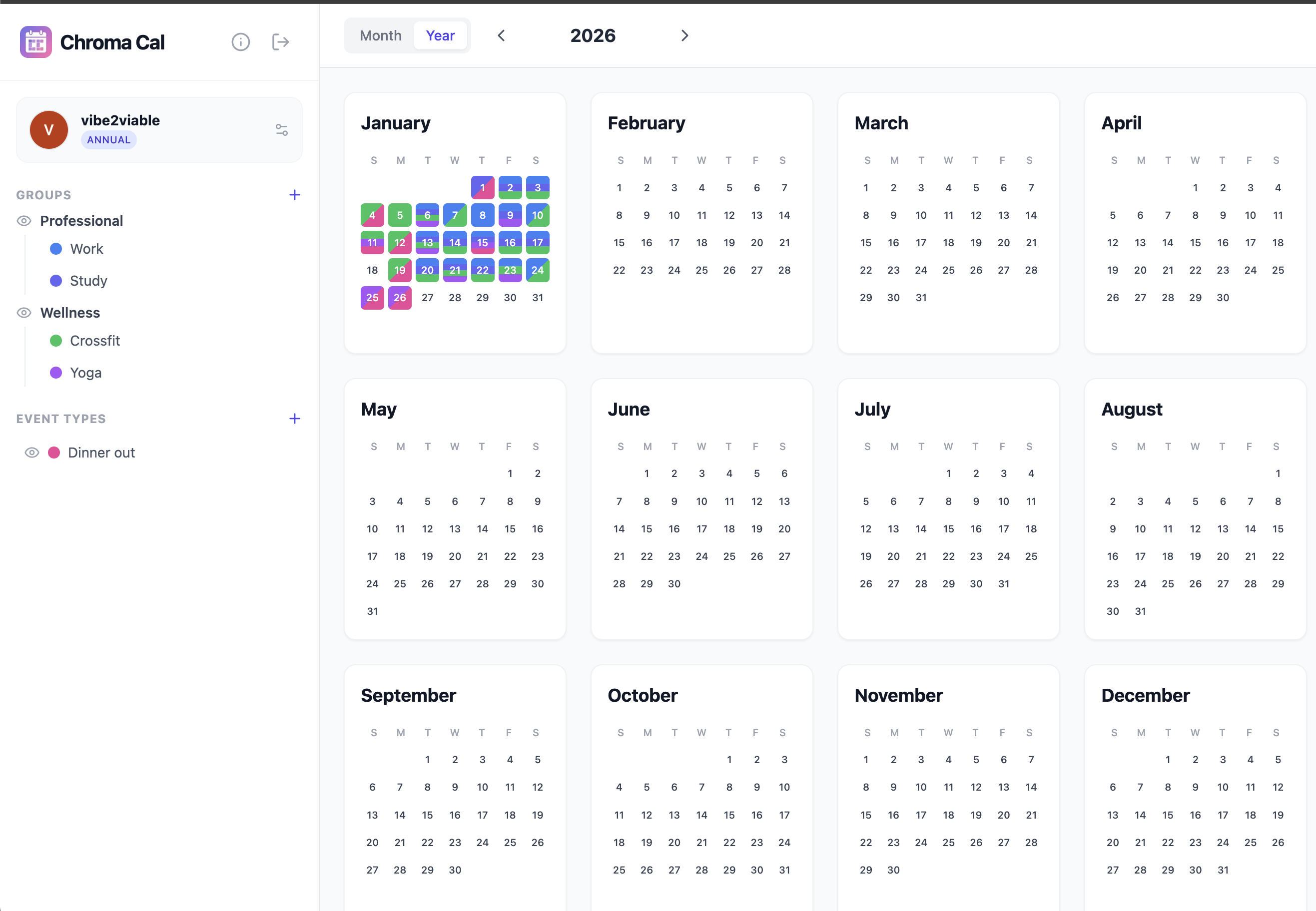
The year view zooms out so you can spot patterns across months. Toggle event groups on and off to filter what you see.
Version One: Just Start Building
The first attempt was in Cursor with Claude 3.5. I had no spec, no plan — just an idea and an AI agent. I'd describe a feature, get it working, describe the next one. The agent added things I didn't ask for. Features would work individually but break each other. After a couple weeks, I had something functional but ugly, fragile, and hard to extend.
Version Two: Better Tool, Same Approach
Switched to Claude Code and got a real productivity boost — the terminal agent handled larger tasks more reliably. But I was still building incrementally without a clear target. The app looked better, worked better, but still accumulated bugs as features interacted in ways I hadn't planned for. Each session started with fixing what the last session broke.
Version Three: Speed Without Direction
Tried rebuilding from scratch in Replit. It was fast — a working prototype in about an hour. But it burned through my entire $20 monthly credit in that single session, and the result was about the same quality: functional but messy. Speed wasn't the problem. Direction was.
Version Four: Spec First, Then Build
This time I wrote a detailed spec before touching code. User flows, data models, edge cases, naming conventions — everything defined upfront. I used Google AI Studio to generate a UI mockup with that spec as context, exported it, and pointed Claude Code to the mockup and the spec together. The agent had a target to hit instead of inventing one as it went.
The separation turned out to be essential. UI generation and functional development require different kinds of AI interaction. AI Studio handled the visual design. Claude Code handled the wiring. The app came together with fewer bugs and almost no rework.
What Made the Difference
The lesson wasn't "try harder" or "use better tools." It was that I kept giving the agent the same vague starting point and expecting a different result. The spec changed the input. When I stopped saying "build me a calendar app" and started defining exactly what that meant — how events get logged, how colors map to types, how the month view renders overlapping events — the agent stopped guessing and started executing.
The tech stack is Next.js 15, Neon PostgreSQL with Row Level Security, BetterAuth for Google OAuth, and Lemon Squeezy for payments. Hosted on Vercel. Most of what I built across four attempts got thrown away. The workflow is what survived.